

How to log your workouts
A training log turns "I think I did 185 last week" into a plan. Here is what to record and how to use it.
What to record for every set
- Exercise: use the same name every time (for example "Bench Press (Barbell)") so history lines up.
- Weight and reps: the core of the log. For timed holds, record seconds instead of reps.
- Set type: warm-up, working, drop set or to failure. Warm-ups should not count toward records.
- Effort: RPE or reps in reserve on working sets, at least the last one.
- Notes: pain, a grip or stance change, poor sleep. Future you will want to know.
For the session
- Date, workout name or program day, and how long it took.
- Rest times if your program prescribes them.
- Body weight now and then, if it matters to your goal.
How to use the log
- Before training: read last session's numbers for each exercise and pick a small target to beat: one more rep or a little more weight. That is progressive overload.
- During: log each set as you finish it, not at the end.
- Every few weeks: look at the trend for your main lifts. A rising estimated one-rep max is a handy single number.
- When it stalls: your log shows whether you were sleeping badly, adding too fast, or due a deload.
Use a template or a program
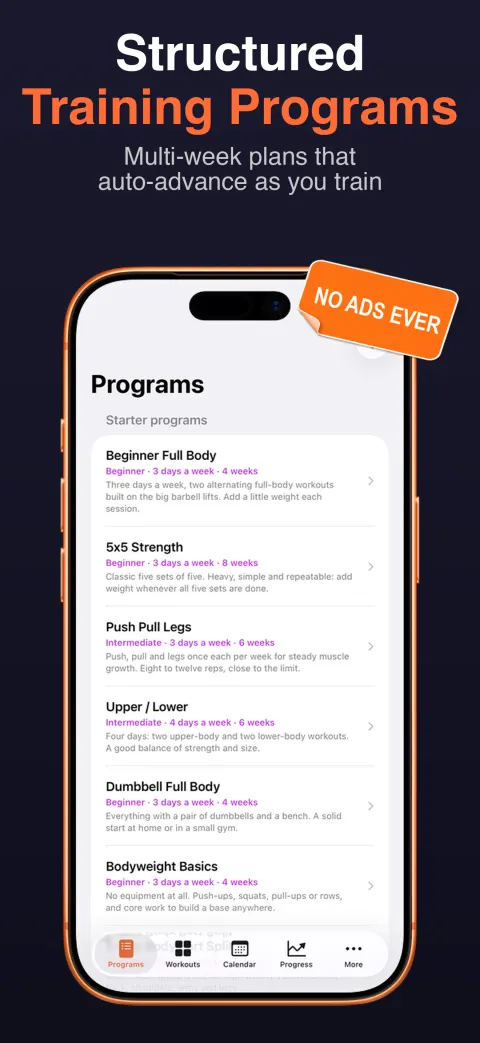
Logging is faster when the workout is already written out. Save your usual sessions as templates, or follow an established plan: see beginner strength programs.
Log faster with Lift
Weight, reps, set types and notes in a few taps, last session's numbers on screen, and a rest timer. Moving from Strong or Hevy? Lift imports their CSV files.


Frequently asked questions
Should I log warm-up sets?
Log them if you like, but mark them as warm-ups so they do not count toward your volume or personal records. Most trackers, Lift included, let you tag a set as warm-up.
Notebook or app?
Both work. A notebook needs no battery. An app adds last-session numbers on screen, rest timers, charts and one-rep max estimates without any arithmetic.
What is training volume?
Usually sets × reps × weight for an exercise or session, or simply the number of hard sets per muscle per week. Either way, it is easy to compare over time if you log consistently.
What is a good free gym log app?
Several have useful free plans. See our roundup of workout tracker apps, which compares free plans side by side.